
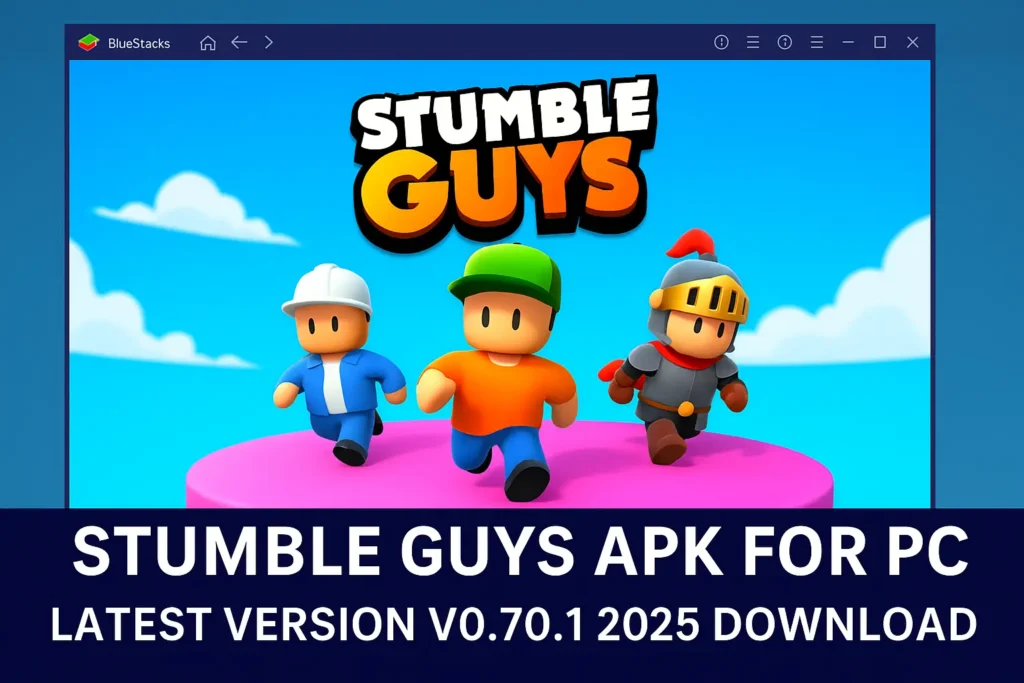
Stumble Guys on PC – How to Play the Official Game
Looking to enjoy Stumble Guys on a bigger screen? You can easily play the game on your PC using trusted Android emulators like BlueStacks or LDPlayer. These platforms allow you to run the official mobile version smoothly on your computer.
Download the latest version of the game from the Google Play Store through your emulator, and dive into the hilarious chaos of Stumble Guys. Whether you’re racing to the finish line or getting knocked off by spinning hammers, it’s always a fun ride — with plenty of laughs, close calls, and maybe even a victory dance!
If you’ve been searching for a way to enjoy Stumble Guys on your PC, the good news is that there’s a safe and official way to do it no need to rely on risky or modified versions.
All you need is a trusted Android emulator such as BlueStacks or LDPlayer, which lets you run the official version of the game directly on your desktop. This way, you get to enjoy the same exciting maps, obstacle courses, and multiplayer chaos, but on a bigger screen with smooth performance.
Forget about unsafe downloads or unverified sources. The official app gives you the best experience secure, fair, and full of fun.
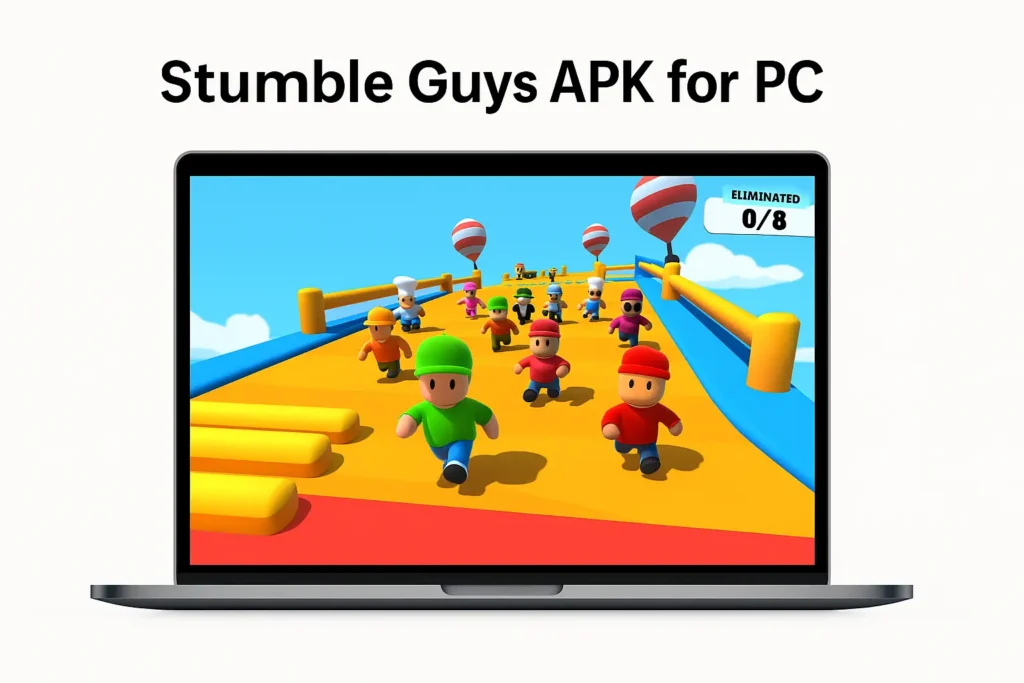
What Is Stumble Guys on PC?
If you’re looking to enjoy Stumble Guys on your PC, there are safe and official ways to do so — no need for risky downloads or modified versions. The PC version allows players to experience the same fun, fast-paced gameplay on a larger screen with improved control and responsiveness.
One of the easiest and most accessible options is to play directly in your browser without needing to install any emulators or additional software.
The Simple Way: Play Online via Browser
You can head to the official Stumble Guys website at https://www.stumbleguys.com, where the game is available to play instantly. This method is safe, legal, and doesn’t require downloading anything to your computer.
Just follow these steps:
- Open any modern browser and visit the official website.
- Check that your browser is compatible — most updated browsers will work.
- Select your age, click “Accept”, then hit the Play Now button to start.
This method provides a smooth gaming experience without worrying about installation, compatibility, or security. Always choose the official version to ensure fair play, safety, and access to all future updates.
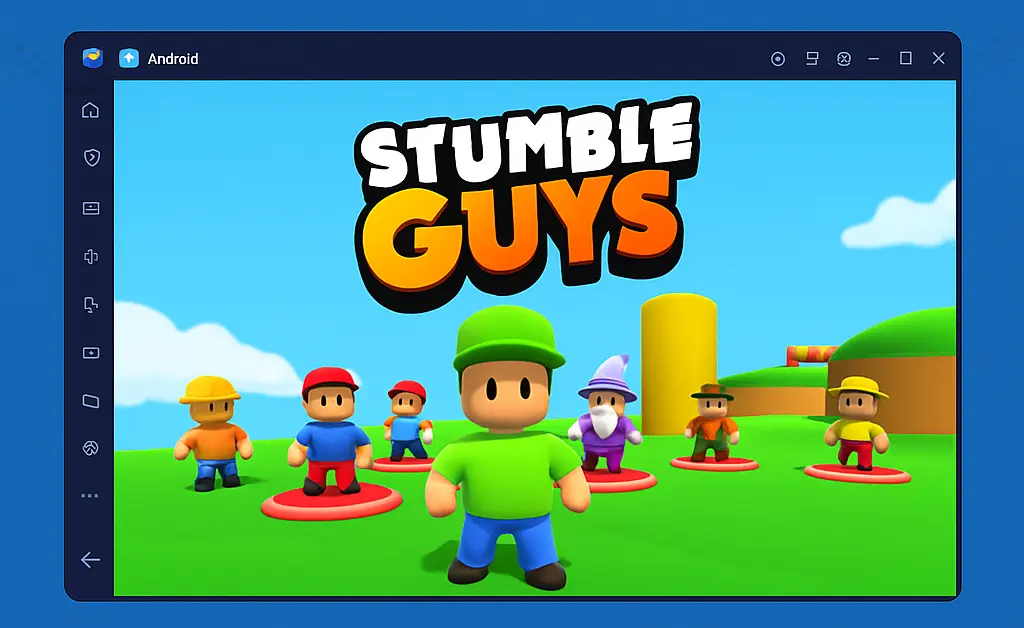
2: Using an Emulator to Play Stumble Guys on PC
If you enjoy mobile games but prefer the comfort and control of a larger screen, playing Stumble Guys through an Android emulator on your PC is a great option. Emulators replicate a mobile environment, allowing you to enjoy smooth gameplay with keyboard or controller support.
What You’ll Need
To get started, you’ll need two things: a compatible computer and a reliable emulator. Most modern Windows PCs or macOS devices should meet the minimum requirements. Some of the most popular Android emulators include BlueStacks, MEmu, and GameLoop, all of which are available for free on their official websites.
Minimum System Requirements
- OS: Microsoft Windows 7 or later
- Processor: Intel or AMD processor
- RAM: At least 4 GB
- Storage: Minimum 5 GB free disk space
- User Access: Administrator access required
- Graphics Drivers: Must be up to date (Microsoft or official chipset drivers)
Recommended System Requirements
- OS: Windows 10
- Processor: Multi-core Intel or AMD processor with a benchmark score above 1000
- Graphics: Integrated or dedicated GPU with a score of 750 or higher
- RAM: 8 GB or more
- Storage: SSD for faster loading times
- Internet: Stable broadband connection for accessing online content
- Graphics Drivers: Updated from Microsoft or the hardware manufacturer
By ensuring your system meets these requirements, you can enjoy Stumble Guys on PC with better performance, responsiveness, and visual quality — all while playing through trusted, official platforms.
How to Install Stumble Guys on PC Using an Emulator
If you want to enjoy Stumble Guys on your PC, using an Android emulator is one of the easiest and most effective ways to do so. Here’s a simple step-by-step guide to help you get started:
1. Choose an Emulator
Visit the official website of a trusted Android emulator such as BlueStacks, MEmu, or GameLoop. Download the installer compatible with your operating system.
2. Install the Emulator
Run the installer and follow the on-screen instructions. The installation process usually takes a few minutes, depending on your computer’s performance and internet speed.
3. Set Up Google Play Store
Once installed, open the emulator and sign in with your Google account. This step is necessary to access the Play Store and download apps.
4. Search and Install Stumble Guys
Open the Google Play Store inside the emulator, search for Stumble Guys, and click Install. The game will be downloaded and added to the emulator’s home screen.
5. Launch the Game and Start Playing
Click on the Stumble Guys icon inside the emulator and enjoy the game just like you would on a mobile device — but with enhanced controls and a larger display.
You can also refer to emulator-specific screenshots, such as those from GameLoop, to guide your installation process visually.
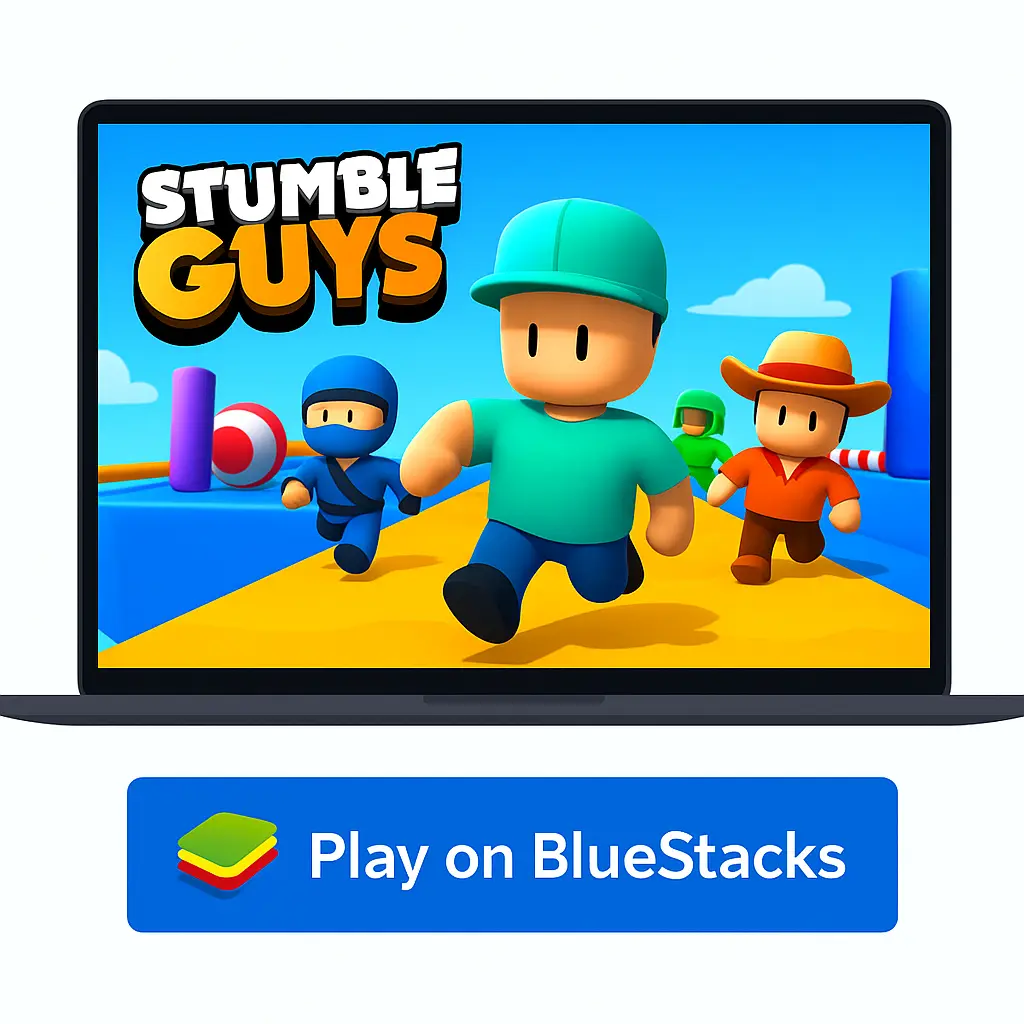
How to Download and Launch Stumble Guys on PC (Official Version)
1. Open the Google Play Store in Your Emulator
Start by launching your Android emulator, such as BlueStacks or MEmu. Once open, locate and launch the Google Play Store app — it works just like it would on a regular Android phone.
2. Search for “Stumble Guys”
Use the search bar inside the Play Store to look for “Stumble Guys: Multiplayer Royale.” Make sure to choose the official version by Kitka Games.
3. Download and Install
Click the Install button. The installation might take a few moments depending on your internet speed and system performance. Once installed, you’ll see the game’s icon on the emulator’s home screen.
4. Launch the Game
Simply click the Stumble Guys icon to open the game and start playing. The game will launch in full-screen mode, offering the same fun and chaotic gameplay you’d get on mobile.
5. (Optional) Configure Controls
Some emulators allow you to map custom keyboard keys. You can optimize controls for easier navigation, especially since Stumble Guys uses dynamic movement controls that are more comfortable with a mouse and keyboard.
That’s it! You’re now ready to dive into the colorful world of Stumble Guys on a bigger screen, with enhanced control and better performance — all while staying completely safe and legal.
Features You Can Enjoy in the Official Stumble Guys Game
Stumble Guys offers a fun and dynamic multiplayer experience with features designed to make every match exciting and engaging. Here are some of the standout features available in the official version of the game:
High-Quality Graphics
Enjoy vibrant visuals and smooth animations across colorful obstacle courses that make gameplay both fun and visually appealing.
Customizable Controls (via Emulator)
When playing on PC through an Android emulator, you can map custom keyboard and mouse controls to suit your gameplay preferences.
Multiplayer Fun
Compete in real-time with up to 32 players from around the world in chaotic and unpredictable races filled with hilarious moments.
Character Customization
Unlock various skins and emotes to personalize your character and stand out during matches. New skins and items are regularly added through updates and events.
Daily Rewards and Events
Earn coins, gems, and other items by logging in daily, completing missions, or participating in special in-game events.
Free-to-Play with Optional Upgrades
The core game is completely free to download and play, with optional in-app purchases available for players who wish to unlock additional content.
FAQs
Can you get banned for using unofficial versions of Stumble Guys?
Yes. Using modified or unauthorized versions of the game may violate the Terms of Service and could result in account suspension or permanent ban. Always use official sources to stay safe.
How can I earn gems in Stumble Guys?
Gems can be earned by completing missions, participating in special events, or watching optional ads within the official game.
Why isn’t Stumble Guys showing in my Play Store?
This may be due to regional availability, device compatibility, or temporary issues. Try clearing the Play Store cache or using a different device.
Is Stumble Guys safe to install?
Yes, Stumble Guys is a legitimate and secure game when downloaded from the official app stores like Google Play or Apple App Store.
Can cheating or unauthorized tools affect your account?
Yes. Using cheats or external tools to modify gameplay can lead to account bans and violates the game’s fair play policy.
Is Stumble Guys popular?
Yes, the game is enjoyed by millions of players worldwide and continues to grow in popularity.
How to get free rewards in Stumble Guys?
You can receive free items by logging in daily, participating in in-game events, and watching optional ads.
How much does the Stumble Pass cost?
The Stumble Pass usually costs around 1200 gems and provides exclusive rewards and bonuses throughout the season.
What is the game size of Stumble Guys?
The game is approximately 500–600 MB in size, depending on the device and updates.
What ranking system does the game use?
Players are ranked across levels such as Wood, Bronze, Silver, Gold, Platinum, and more, with several sub-levels in each tier.